How We Deployed a Full Enterprise Intranet Software in One Week Using KodeFast
Let me be honest about what usually happens when a company decides it wants an intranet. Someone in leadership says employees need a better way to submit leave requests. Or that managers can’t track who’s done what. Or that policies are buried in email threads no one reads. Fair points, all of them. Then it gets handed to IT. Suddenly you’re looking at six months, a new database, three vendors, and a budget that keeps expanding. By the time it launches, half the original requirements have changed. That’s the normal path.
We didn't take it. We didn't build anything from scratch:
KodeFast already had most of what companies actually need from an employee intranet software – leave management, attendance tracking, an employee directory, approvals, announcements, a document center. These weren’t features we had to spec out and build. They were already.
So, when we sat down to deploy, the conversation wasn’t “how do we build this?” It was “how do we configure what’s already here to match how this company works?” That shift alone is what made a week possible.
Keeping HR, Finance, and Leadership separate was easier than expected
One thing that slows down intranet projects is figuring out who sees what. HR data shouldn’t bleed into Finance. A manager’s dashboard shouldn’t look like an employee.
KodeFast handles this through workspaces. You create separate environments for HR, Finance, Leadership, Admin each with its own modules, dashboards, and access controls. We didn’t have to design that logic. We just configured it. That’s what makes KodeFast work as an enterprise intranet software – the structure is already there, you’re just mapping your company onto it.
The Marketplace saved us weeks we didn't know we had
This surprised us a bit, honestly. KodeFast has a marketplace of pre built business applications helpdesk, expense management, asset tracking, internal ticketing, approvals. You select what you need, install it into your workspace, and configure the policies.
It really does feel like installing apps rather than commissioning development work. The data models, base workflows, and dashboards come with it. You’re not starting with a blank canvas every time.
Approvals were configured, not coded
Approvals are usually where projects get bogged down. Multi-level routing, escalations, SLA timers – with most intranet deployment projects, that’s a development sprint in itself.
In KodeFast, the approval engine is already there. We defined the routing rules. Multi-level sign-offs, escalation paths, auto-approvals for certain request types all configured, not built. Managers could immediately see pending approvals, team activity, and attendance logs without us wiring anything together.
HR owned the forms from day one
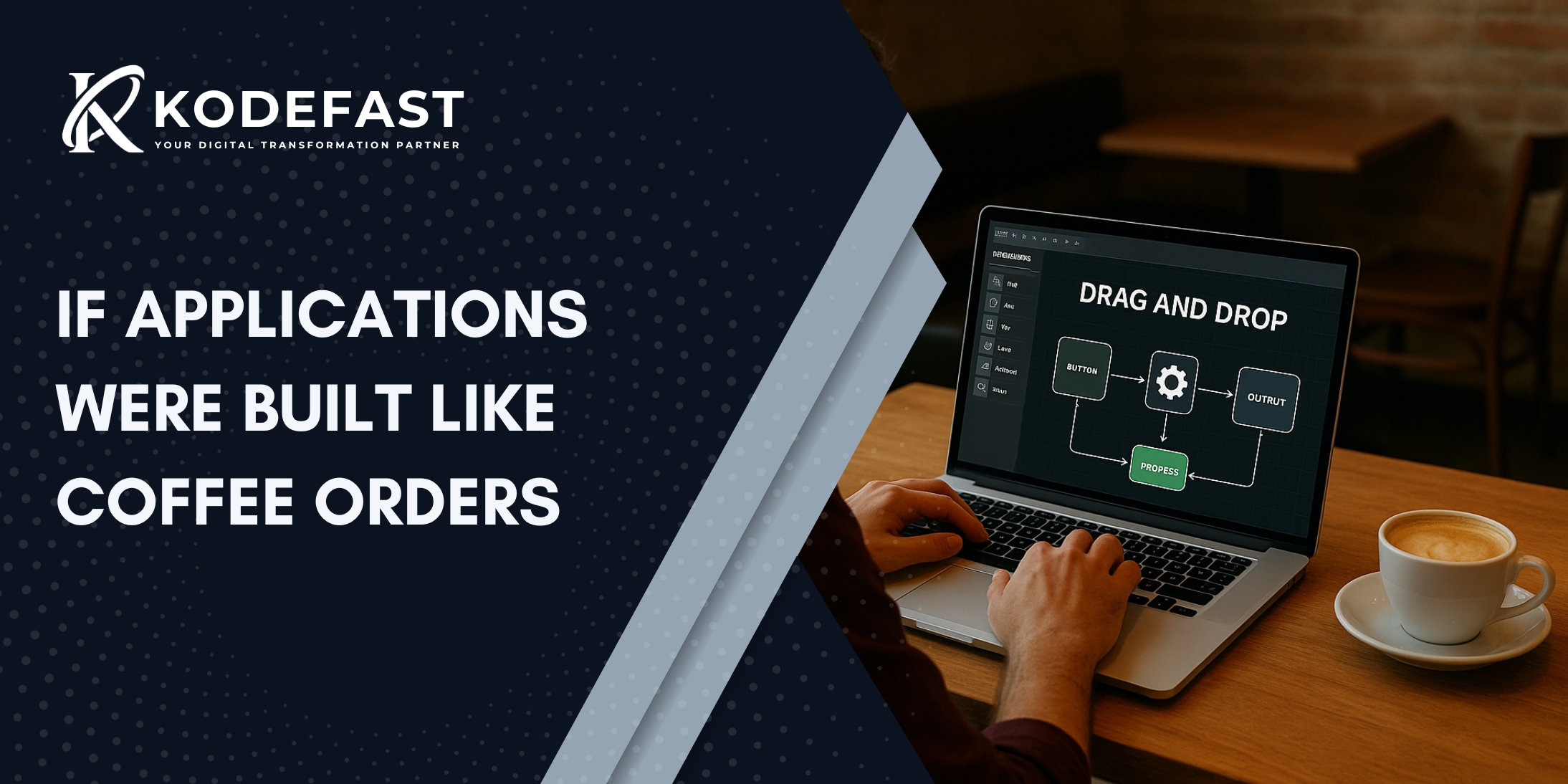
Every intranet runs on forms. Leave requests, reimbursement submissions, policy acknowledgments, helpdesk tickets. KodeFast has a visual form builder drag and drop fields, add validation, attach a workflow. No code required. That’s what a proper intranet for employees should feel like.
What this meant practically is that the HR team could own their own forms. They could tweak a field or add a condition without putting in a ticket. That kind of independence is what keeps an intranet from becoming a maintenance burden.
The chatbot came included - we just turned it on
We didn’t have to integrate a separate AI tool. KodeFast includes chatbot functionality natively. Employees can check their leave balance, ask a policy question, track an approval all conversationally. It made the whole system feel lighter and easier to use, and it required almost no additional setup on our end
Leadership had visibility from the start, not Phase 2
Leadership visibility is almost always “Phase 2” in traditional deployments. It gets deprioritized because it’s hard to build.
Here, it wasn’t hard. The dashboards were already part of the enterprise employee portal. Leave analytics, attendance patterns, department workload, SLA performance all configurable without development work. Leadership had real-time visibility from the moment we went live.
We connected the tools they already had
The company already had payroll software and a CRM. KodeFast’s connector APIs let us link those systems without complex middleware. Employee data synced. Attendance exported. We connected systems instead of duplicating them.
So, what actually made one week possible?
Because we weren’t building:
- A user management system
- An approval engine
- Dashboard infrastructure
- Data models
- Navigation or permission frameworks
All of that already existed. Our job was to map the company’s structure onto it, assign roles, install the right applications from the Marketplace, configure the workflows, test, and go live.
That’s alignment work. It’s not easy, but it’s fast when the foundation is solid.
If your team is weighing this decision
An intranet doesn’t have to be a long IT project. It shouldn’t be. The goal is a working system that makes daily operations less frustrating not a showcase of technical complexity.
If the platform already has the modules, the approval engine, the dashboards, and the integrations, your intranet implementation becomes configuration and rollout. That’s a very different kind of project.
One week isn’t a shortcut. It’s what happens when you start from the right foundation – and that’s exactly what a corporate intranet solution built on KodeFast gives you.